
Technical SEO
IndexNow for AI Search: Submit Updates, Verify Results
Use IndexNow to notify participating search engines of content changes, then verify crawling, indexing, and AI citations with a practical evidence worksheet.
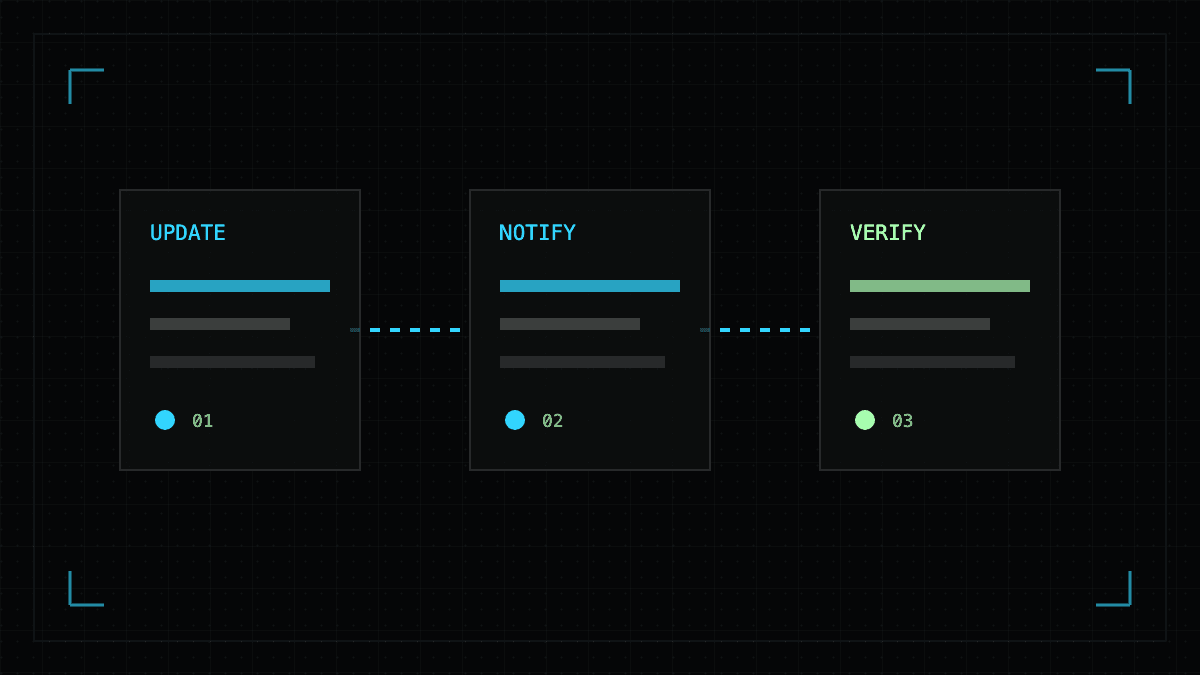
IndexNow notifies participating search engines when a URL changes. It does not guarantee indexing, rankings, or AI citations. For SEO and generative engine optimization (GEO), treat notification as one step in a publishing workflow: update the source, notify the relevant engine, and check what happened afterward.
This guide is for SaaS marketing and SEO teams maintaining pricing, product documentation, comparison pages, and research. It provides a release checklist and a worksheet for separating a successful submission from an actual change in AI answers.
Official documentation reviewed November 16, 2026. The examples below are illustrative; they are not AEO Table customer results or a measured citation experiment.
What does IndexNow do for AI search?
The IndexNow FAQ describes notifications for added, changed, and deleted URLs. Participating engines share submissions, while each engine decides whether to crawl and index a page.
Bing's AI Performance announcement connects IndexNow with keeping sources current across search and AI experiences. This makes it relevant when a buyer-facing fact changes, such as a product's price or supported integration.
Our practical interpretation: IndexNow addresses notification of a change. Whether an answer uses that change is a separate question requiring answer evidence.
| Stage | Evidence to collect | What it establishes |
|---|---|---|
| Publication | Public URL, response, and visible revised fact | The intended page version is available |
| Notification | Submission timestamp, URL, and HTTP response | The endpoint received or rejected the request |
| Crawling | Verified crawler request or engine inspection | A crawler fetched the URL at a recorded time |
| Indexing | The relevant engine's inspection result | The engine reports an indexing state |
| AI citation | Saved answer with a source link | That sampled answer cited the URL |
| Answer accuracy | Source passage compared with answer wording | The answer reflects, contradicts, or omits the revised fact |
A citation alone may still accompany an outdated claim. Use an AI citation accuracy audit when correctness is the reason for the update.
Which content changes should you notify?
Prioritize changes that affect a reader's decision. For a SaaS site, examples include a revised plan limit, a retired feature, a corrected comparison, or a new research result with a disclosed method.
The IndexNow FAQ recommends meaningful changes rather than repeated submissions of unchanged pages. It also supports moved and deleted URLs. A removal notification therefore belongs in the same publishing process as a new article.
For a live page, check that the final URL serves the new content, internal links reach it, and its indexing directives match your intent. Align the preferred URL with the sitemap and canonical tag using the canonical URL checklist. For a removal, verify the intended redirect or removal response instead of expecting a live page.
Update the visible modification date when the content actually changes. Record what changed so a future reviewer can distinguish a correction from a cosmetic refresh.
How do you submit a changed URL with IndexNow?
Check whether your CMS or publishing integration already supports IndexNow. If it does, inspect its submission history before adding a second sender.
For a manual integration, the official protocol documentation describes hosting a UTF-8 key file on your host and submitting URLs to an endpoint. Follow its ownership and path rules, including keyLocation when applicable.
This illustrative request body uses example URLs and a placeholder key. Send it to https://api.indexnow.org/indexnow as an HTTP POST with Content-Type: application/json; replace every placeholder before use.
{
  "host": "www.example.com",
  "key": "REPLACE_WITH_YOUR_INDEXNOW_KEY",
  "keyLocation": "https://www.example.com/REPLACE_WITH_YOUR_INDEXNOW_KEY.txt",
  "urlList": [
    "https://www.example.com/pricing",
    "https://www.example.com/docs/plan-limits"
  ]
}
Keep the host, verification file, and submitted URLs consistent. Capture the response rather than assuming that sending the request completed the workflow.
| HTTP response | Protocol meaning |
|---|---|
| 200 | Submission succeeded |
| 202 | URL received; key validation pending |
| 400 | Invalid request format |
| 403 | Invalid key |
| 422 | URL host or protocol key mismatch |
| 429 | Too many requests |
Neither 200 nor 202 establishes indexing. Resolve submission errors before investigating why an answer has not changed.
How do Google and ChatGPT fit into this workflow?
Use each service's documented discovery route rather than treating an IndexNow receipt as confirmation from every AI platform.
For Google, the recrawl guide directs site owners to URL Inspection for individual URLs and sitemaps for larger sets. A request carries no inclusion guarantee, and repeating it does not accelerate crawling.
For ChatGPT, review AI crawler access separately. An IndexNow response does not establish that ChatGPT fetched your page; record evidence for the retrieval route you intend to test.
Google's AI features guidance says supporting pages must be indexed and eligible for a Search snippet; it requires no special AI schema. An accepted notification cannot substitute for those eligibility checks.
A worksheet for testing whether an updated fact appears
Imagine a fictional SaaS company changes a plan from 10 seats to 15. Its pricing page is corrected, but an AI answer still says 10. Use the following worksheet to locate the unresolved stage.
| Field | Illustrative entry or instruction |
|---|---|
| Changed source | Canonical pricing URL and the exact revised passage |
| Previous and current fact | 10 seats before; 15 seats after |
| Publication time | Record timestamp and timezone |
| Submission evidence | Record the URL, endpoint, timestamp, and response |
| Crawl or index evidence | Record each engine's observed state; use unknown if unavailable |
| Fixed buyer Questions | Preserve exact wording, including plan and region |
| Answer conditions | Record platform, available model/settings, language, region, and date |
| Answer evidence | Save wording, cited URL, and whether it states 10 or 15 |
| Comparison result | Count correct, stale, omitted, and failed observations separately |
Run the same Questions before and after the change under comparable conditions. Repeat observations instead of relying on one screenshot. If settings or retrieval mode change, record that difference before comparing results.
Keep a relevant unchanged Question as a comparison where practical. If both changed and unchanged topics move together, the content edit may not explain the observed difference. The AEO content experiment guide provides a fuller comparison method.
This worksheet is our proposed measurement workflow. It does not establish that IndexNow caused any subsequent change.
What should you fix when the answer is still stale?
Use the last stage for which you have evidence to choose the next action.
| Observation | Next investigation |
|---|---|
| Public page still shows the old fact | Check the deployment, cache, and source content |
| Submission failed | Fix the reported host, key, format, or rate issue |
| Submission accepted; crawl unknown | Inspect engine reports and verified crawler logs |
| Page fetched; indexing unresolved | Review the engine's inspection result and page eligibility |
| Answer cites a different page | Audit that source for an outdated or contradictory fact |
| Answer cites the updated page but repeats the old fact | Save both passages and repeat comparable tests |
| Correct answer appears without a source link | Record correctness; do not count it as a citation |
An unchanged answer is not evidence of an IndexNow failure. An accepted notification is not evidence of a GEO win. Keep both records so the team can act on the stage it can actually observe.
Monitor the Questions the updated page should answer
In AEO Table, a Task defines the Questions, providers, competitors, and market scope to monitor. Each Run captures an execution, and its Report helps review mentions and citation evidence. Keep the same Task when comparing Runs; create a new Task if the monitoring scope changes.
Use your CMS or a separate integration for IndexNow submission and engine tools for crawl/index checks. Then use AI citation tracking to review answer evidence, alongside qualified visits and conversions in your analytics.
Create a free AEO Table account to establish an answer baseline before your next meaningful content update.
FAQ
Does IndexNow improve AI search visibility?
IndexNow can help participating search engines discover content changes. A successful submission does not prove that a page was crawled, indexed, or cited in an AI answer. Measure those outcomes separately.
Does an IndexNow 200 response mean my page is indexed?
No. HTTP 200 confirms successful submission. HTTP 202 means the URL was received while key validation is pending. Neither response confirms indexing or an AI citation.
Can I use IndexNow to request Google indexing?
Do not treat an IndexNow receipt as a Google indexing request. For Google, use the documented Search Console URL Inspection and sitemap workflows, then inspect Google's own indexing evidence.
Should I submit every page after each deployment?
Submit URLs that were meaningfully added, updated, moved, or deleted. A deployment timestamp or cosmetic change is not a reason to resubmit the entire site.
Does AEO Table submit URLs to IndexNow?
This guide describes a separate publishing workflow. Use your CMS, an integration, or your own submission process for IndexNow. Use AEO Table Tasks, Runs, and Reports to review subsequent brand mentions and citations.